
Protecting Your Business: Security Advancements in Copiers and Printers
Security threats come in many forms—and copiers and printers are no exception. Hackers can target these devices to access sensitive company data. This makes it essential for businesses to ensure that their printers and copiers are secured. Luckily, the industry’s biggest players—Xerox, Toshiba, HP, Epson, and KIP—have made significant strides in improving the security features of their machines. This ensures your office equipment stays as safe as your network.
TL;DR
Modern copiers and printers are network-connected devices that can store, transmit and process sensitive information, which makes security an important part of any business technology strategy. Features such as data encryption, secure print release, user authentication, firmware protection, data overwrite and audit logging can help reduce risk. Businesses should also keep firmware updated, disable unused services and include printers and copiers in their overall cybersecurity policies.
Why Security Matters for Office Equipment
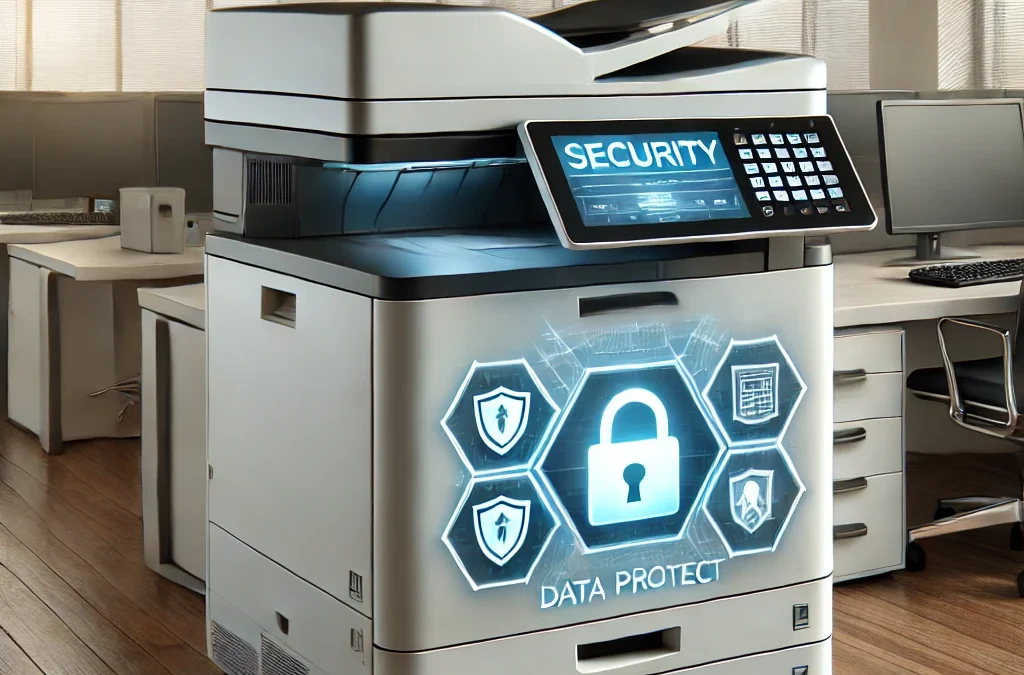
Modern copiers and printers often store data on internal hard drives, manage print jobs over Wi-Fi or Ethernet, and are sometimes connected to the cloud. These factors make them a potential point of vulnerability. Print security remains an important cybersecurity concern because modern multifunction devices connect directly to business networks and often process sensitive documents. To combat these risks, manufacturers are introducing innovative security solutions.
Xerox: Setting the Bar with Embedded Security
Modern Xerox devices can incorporate authentication, secure print release, encryption and embedded device-security technologies designed to help prevent unauthorized access.
HP: Defending Against Cyberattacks
HP’s Sure Start technology in printers ensures that the BIOS (the critical system startup code) is safe from malware. In the event of a security breach, the printer automatically detects and repairs itself. HP also offers Run-time Intrusion Detection. This detection constantly monitors for abnormal activity and responds to threats in real-time.
Toshiba: Encryption and Data Overwrite
Toshiba’s e-STUDIO line incorporates advanced Data Overwrite Security features. These features automatically overwrite data after each print job. This eliminates any residual data that could be accessed by unauthorized users. Toshiba devices also support encryption of both print and scan data. This process further protects sensitive documents.
Epson: Network and Document Security
Epson’s Secure Network Access features ensure that only authorized devices can send data to your printers. Epson copiers and printers also offer Secure PIN Release and user authentication. Doing this ensures that sensitive documents aren’t printed unless the authorized user is physically at the machine.
KIP: Compliance and Monitoring
KIP’s wide-format printers come with advanced security features designed for industries like architecture and engineering. KIP provides tools for audit logs. These are monitoring to ensure compliance with strict security requirements in government and corporate environments.
Copier Security Is Part of Your Overall Cybersecurity Strategy
Your copier should not be treated as an isolated piece of office equipment. Today’s multifunction devices communicate with computers, mobile devices, cloud platforms and business networks. That means device selection, configuration, firmware management and user access all matter.
Bishop Business can help organizations evaluate modern copiers and printers not only for speed and print quality, but also for the security capabilities appropriate for their workplace.
Best Practices for Office Security
While these brands offer top-tier security features, it’s crucial for businesses to implement best practices. Ensure that copiers and printers are included in your company’s IT security policy. Regularly update device firmware. Require user authentication for all print jobs. Disable any unused ports or services to reduce potential points of attack.
By choosing secure, modern copiers and printers from trusted brands like Xerox, HP, Toshiba, Epson, and KIP, you’re making a crucial investment in safeguarding your business’s data.
Frequently Asked Questions About Copier and Printer Security
Can copiers and printers be a cybersecurity risk?
Yes. Modern copiers and multifunction printers are connected to networks, may contain internal storage and can communicate through Wi-Fi, Ethernet and cloud services. If they are poorly configured or outdated, they can become another potential point of exposure for business data.
What security features should a business look for in a copier or printer?
Important features include data encryption, user authentication, secure print release, firmware protection, automatic data overwrite, network access controls and audit logging.
What is secure print release?
Secure print release holds a document at the device until an authorized user verifies their identity, often with a PIN, badge or other authentication method. This helps prevent sensitive documents from sitting unattended in the output tray.
Do copiers store information on internal drives?
Many modern copiers and multifunction printers can temporarily or permanently store information related to print, scan and copy jobs. Security features such as encryption and data overwrite can help protect that information.
How can businesses improve printer security?
Businesses should keep device firmware current, require appropriate user authentication, disable unused ports and services, control network access and include printers and copiers in the organization’s IT security policies.
Should copier security be part of a company’s cybersecurity plan?
Yes. Because modern print devices are connected to the same networks as computers and other business systems, they should be treated as part of the organization’s broader cybersecurity environment.